

24 memories
May 2026 · Tokyo walk

Travel photos get messy fast.
Photo clutter?Trip
memories.
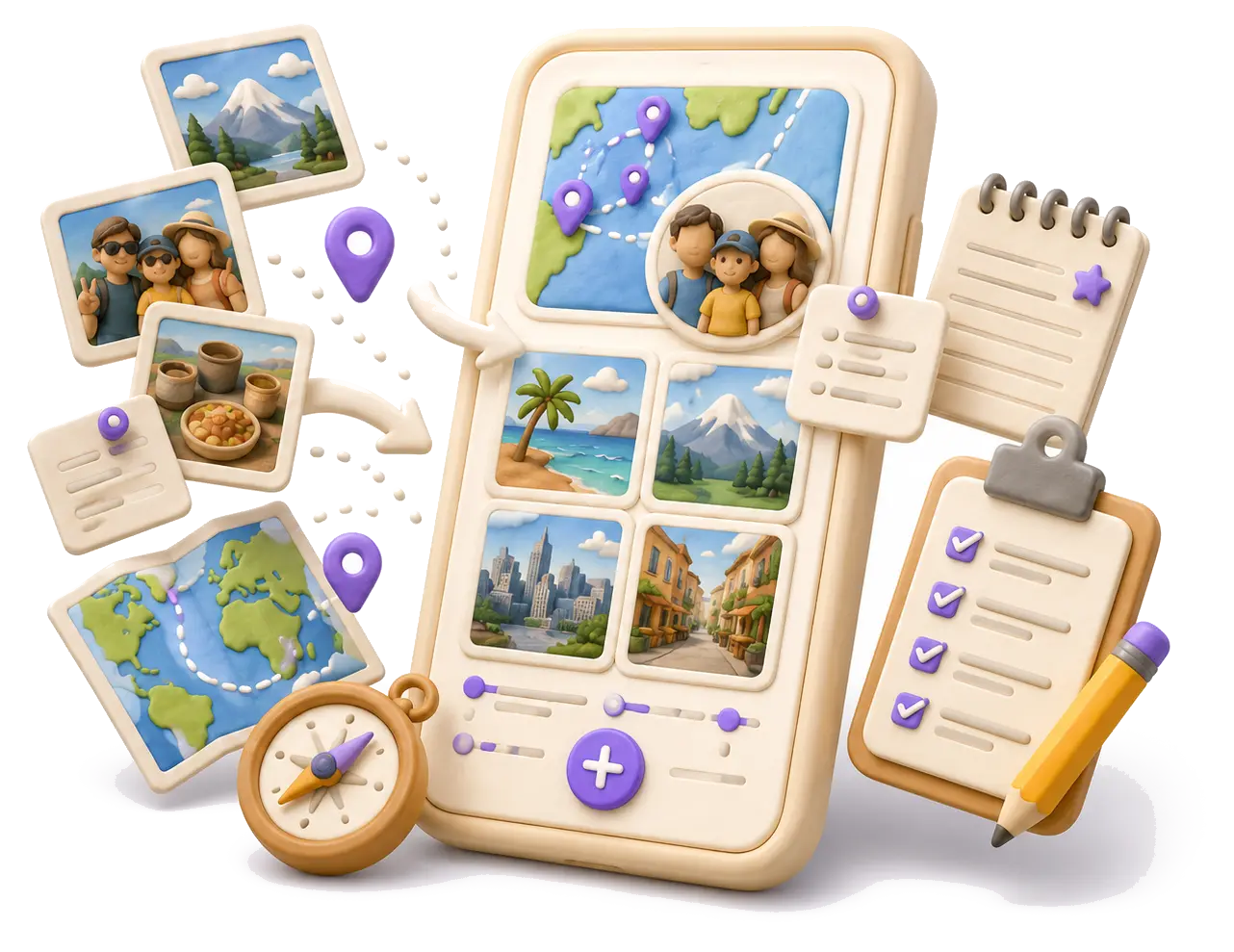
Wimemo organizes places, photos, notes, travel buddies, and plans into one trip story, with cleanup for duplicate travel photos. Only share what you choose.
App video
See how Wimemo works in 30 seconds.
Watch the English app introduction for a quick look at Wimemo's core features for travel memories, maps, notes, plans, and sharing.
Find memories faster.
Stop scrolling through your camera roll.
Trips are easier to remember by place. Open the map and see where each memory happened.


Find memories by place.
Cities, trips, and photos naturally group into your personal travel atlas.

Stop chasing photos after group trips.
Invite travel buddies to add their part, without sharing your whole library.

Clean up duplicate photos.
Review repeated trip shots, slim down the album, and keep the moments worth revisiting.

Turn saved places into the next plan.
Keep routes, dates, and ideas ready when the next trip starts.
Your memories stay yours.
Your library is organized on device. Shared trips upload only the photos you choose.


For bigger trips and longer memories.

Solve common travel photo problems.
View all guides
Photo cleanup
How to delete duplicate travel photos after a trip.
Remove repeated shots, slim down the album, and keep a clear travel memory story.
Photo organizationTravel photos too many? Five ways to organize them.
Start with places, keep your library local, and turn scattered photos into a memory map.
Safe sharingHow to safely share travel photos with family and friends.
Share the trip without accidentally sharing your whole camera roll or private locations.
Privacy-firstWhat a privacy-first travel photo app should do.
A practical checklist for local processing, minimal metadata, and user-controlled sharing.